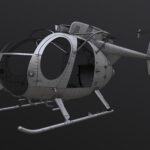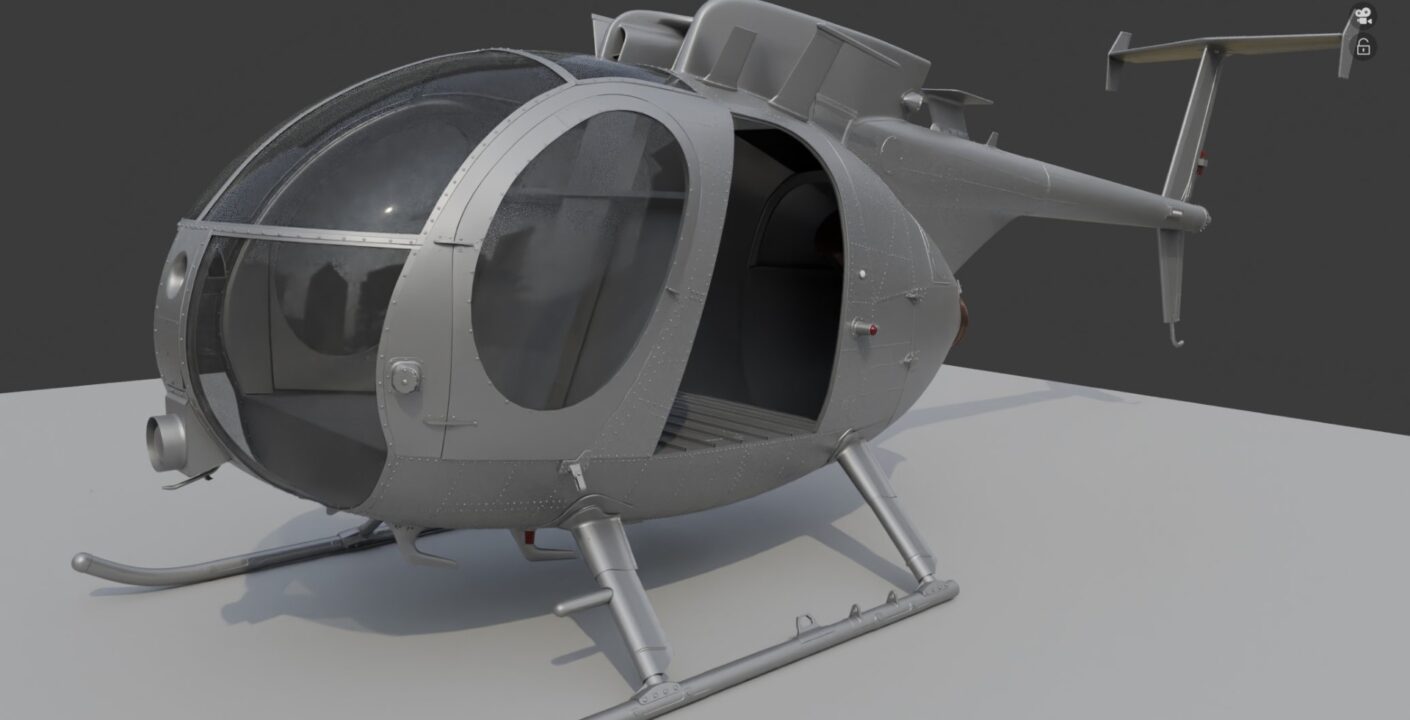
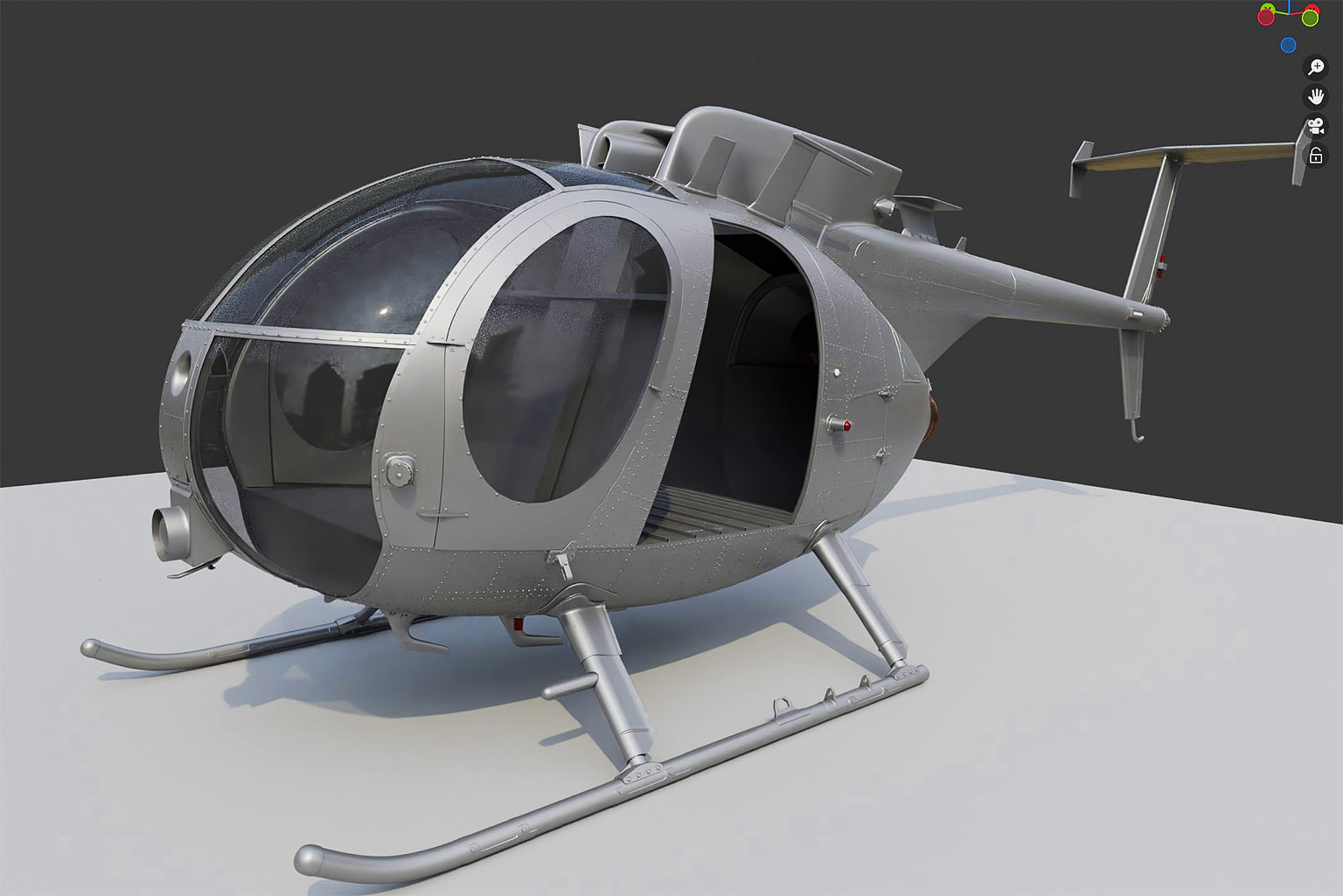
Finished the high-poly fuselage exterior.
At first, I thought about painting the fuselage rivets in Substance Painter. It seems faster that way. But then I realized I’d probably get lazy staring at references trying to replicate the exact rivet placement. The result would inevitably be a predictable, sloppy job 😀 The same goes for the skin panels. So, I decided to just model everything in Blender after all. Plus, it gives me a better understanding of the overall structure, which is helpful since I still need to model the interior.
I tried placing the rivets the standard way a few times: using Array + Curve modifiers. After several attempts, Blender gave me the wildest results, and I had absolutely no idea why. Why were the rivets floating 5 meters away from the helicopter? Why were they following some random curve instead of mine? Resetting transforms and adjusting the Origin didn’t help at all. It really pissed me off. I went looking for add-ons and found Curvearray + Magiccurve. What an awesome tool! You just make the curves, make a rivet, and you’re done!
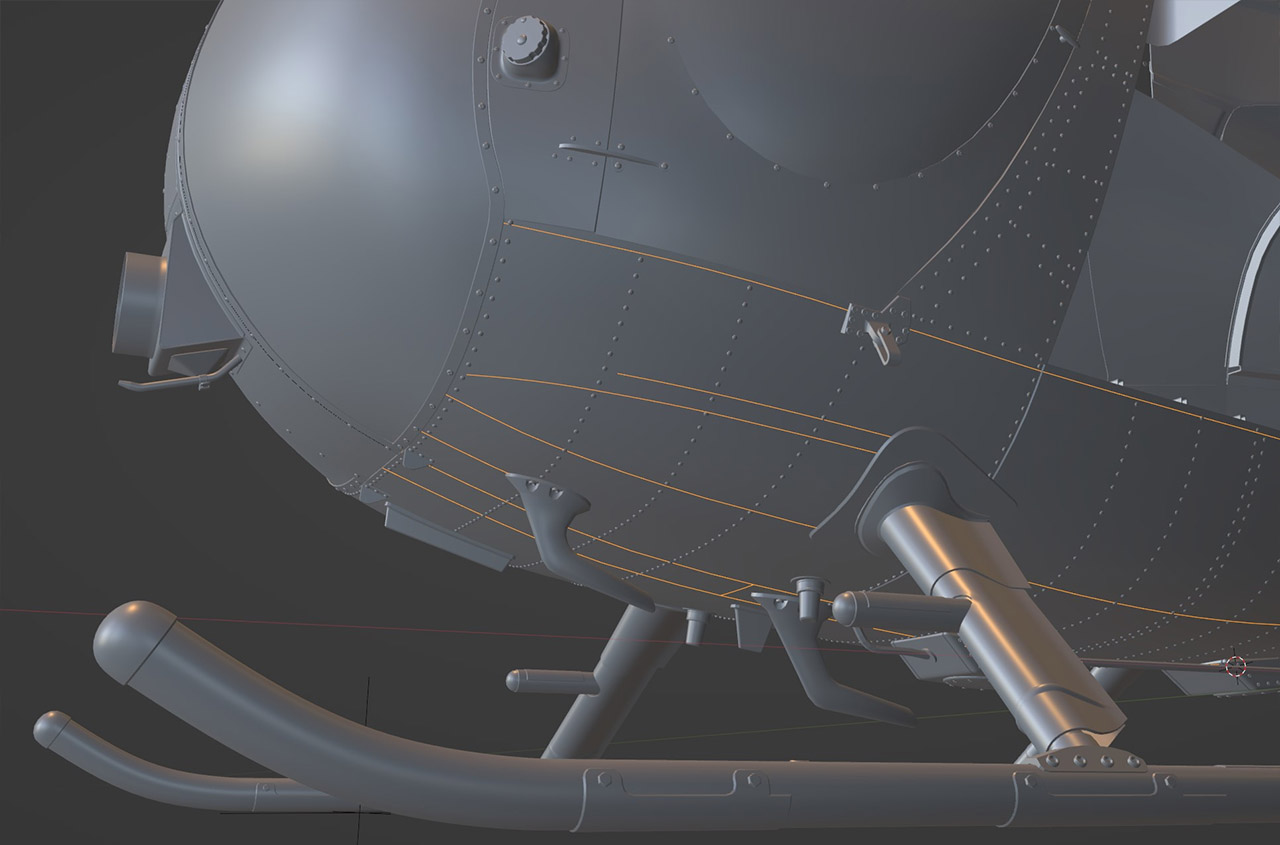
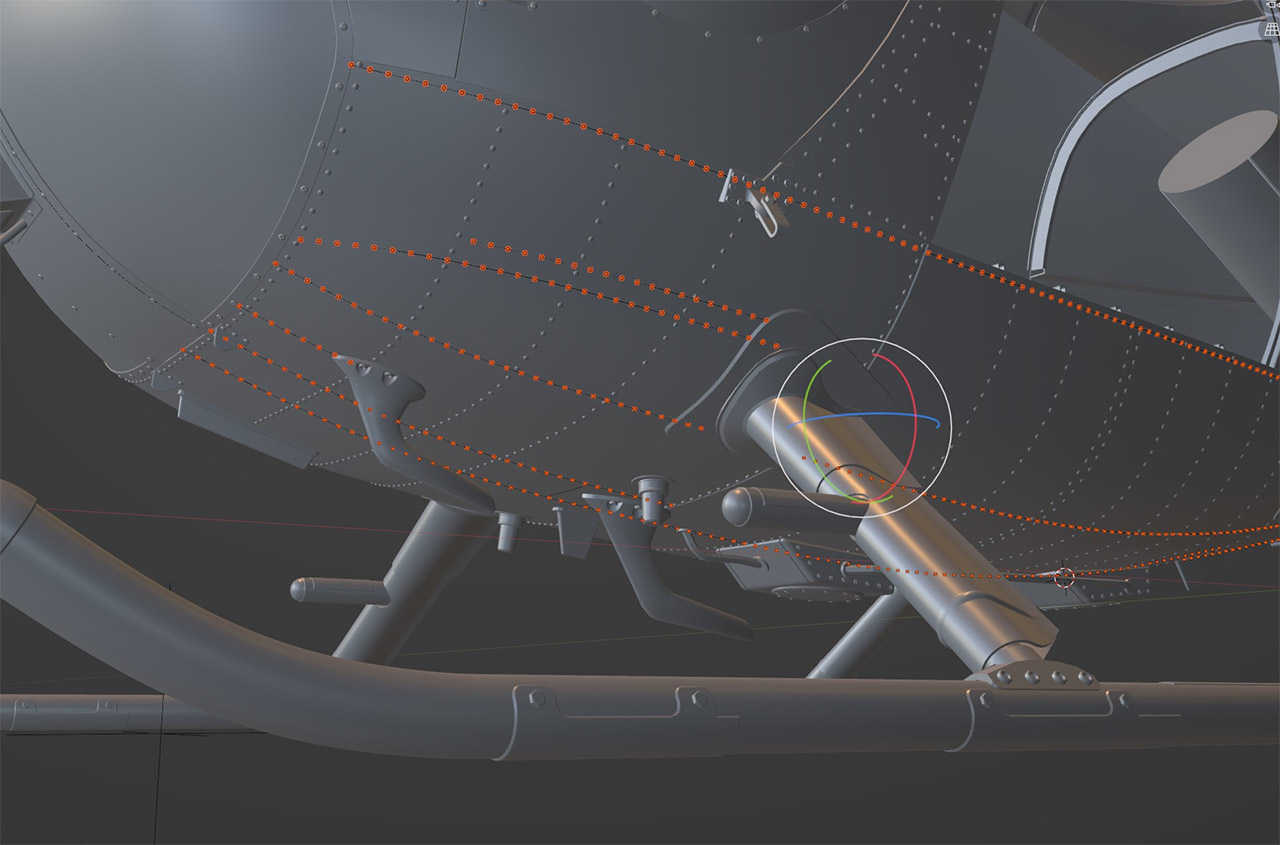
I showed the whole process in the video here.
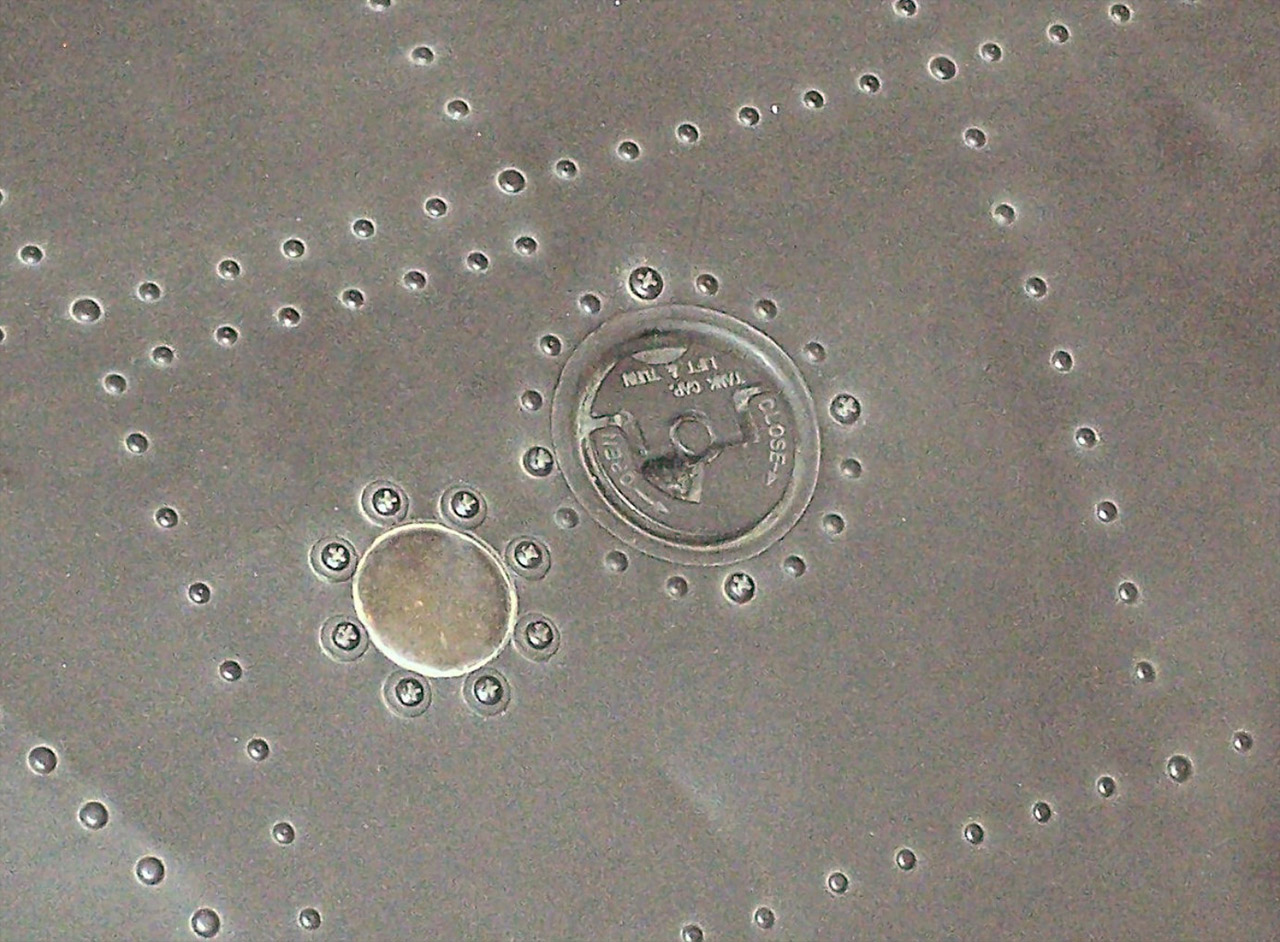
Since I already used this trick on the rotor, I decided to do the lettering on the fuel tank caps using geometry as well. It’s really easy in Blender to create the text you need and wrap it along a curve. Later, I’ll just bake this text into a map, like MatID, for instance.
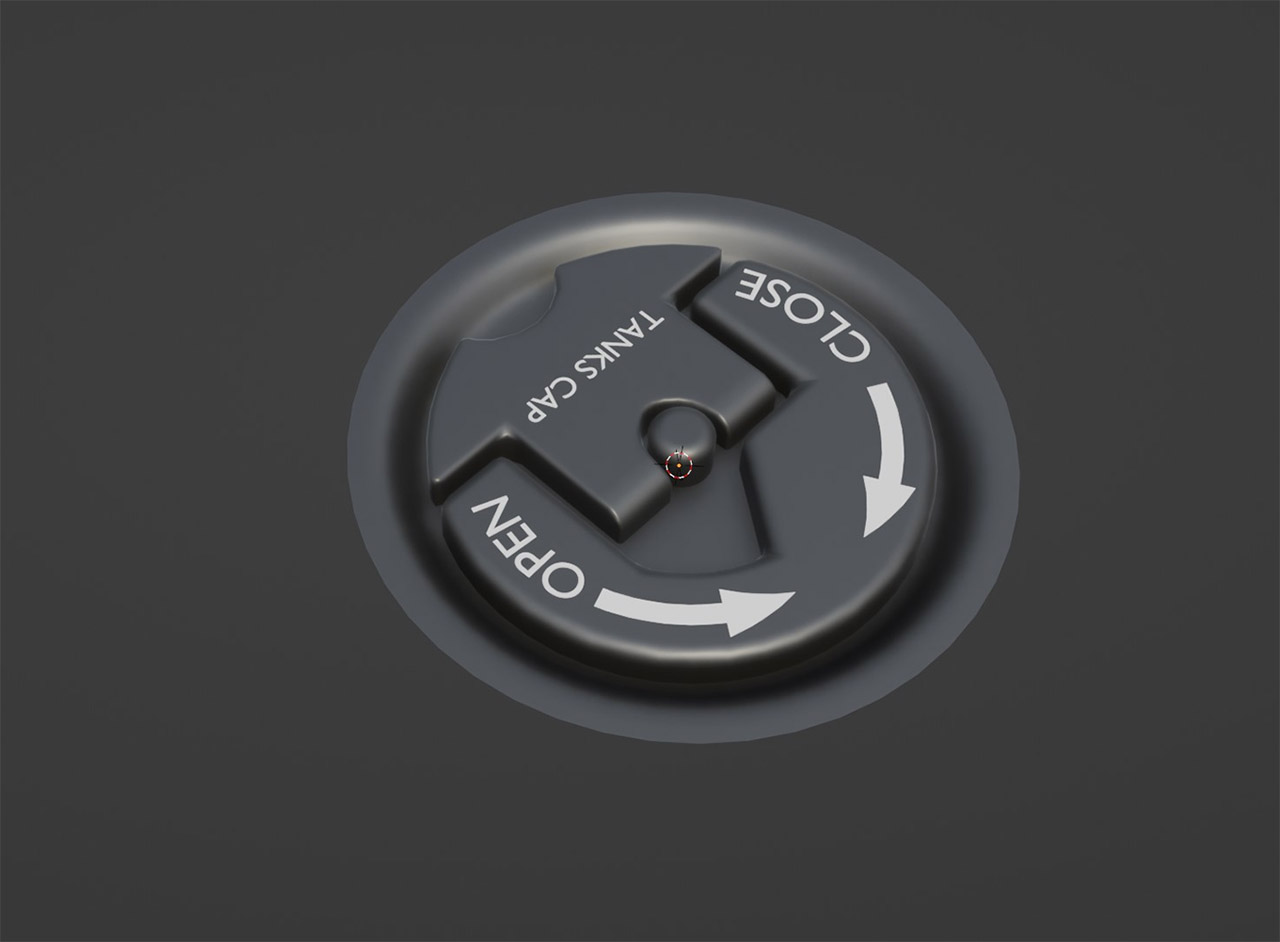
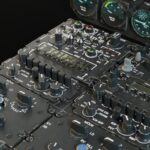
Another cool add-on I’ve started learning (and yes, learning, because it has as many settings as a helicopter’s instrument panel!) is normalMagic for Blender. Right now, I’m only using it to “snap” one object onto the surface of another. Of course, I’m talking about curved surfaces and getting nice, smooth transitions between objects. This doesn’t require joining the objects into a single mesh. The objects remain fully editable and can be moved around at any time.
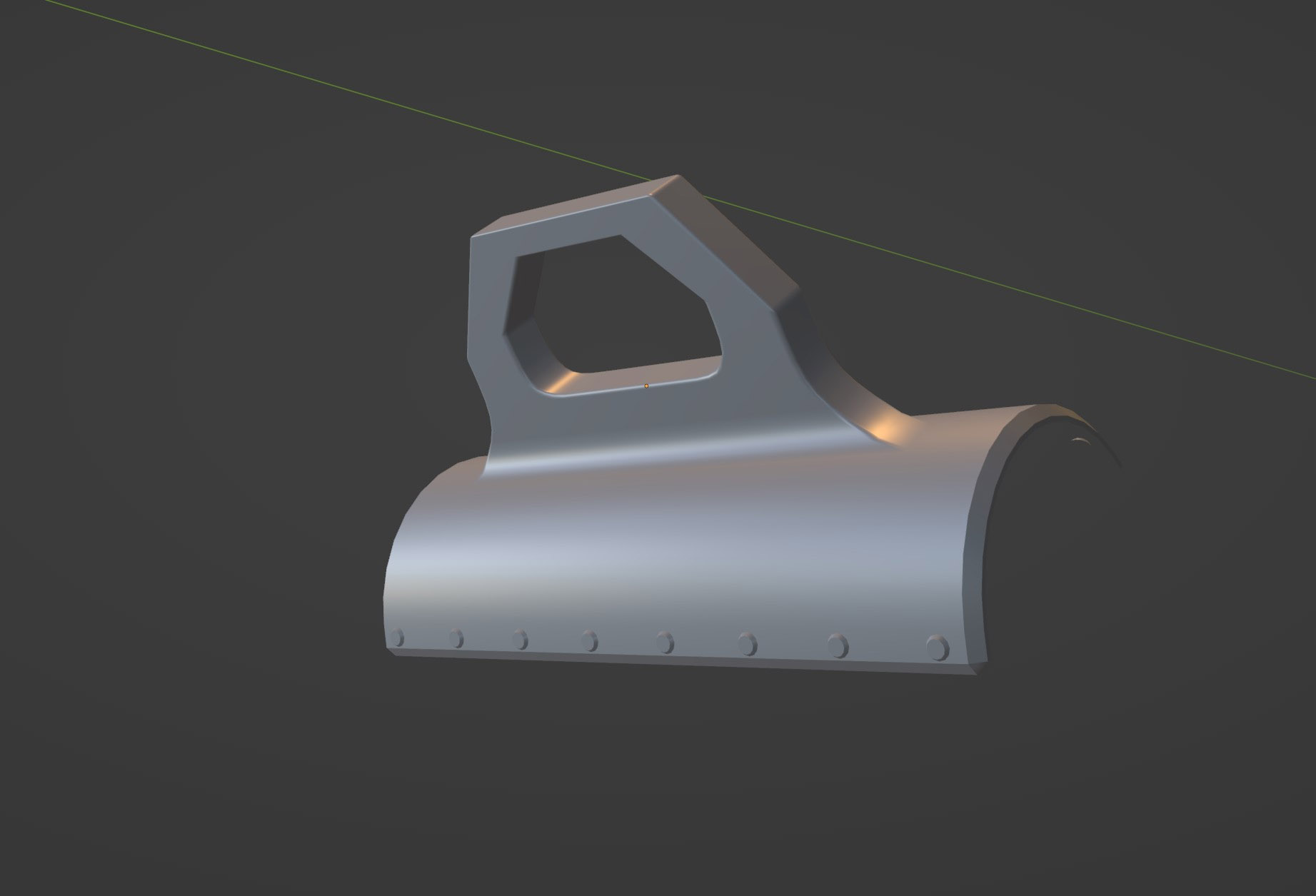
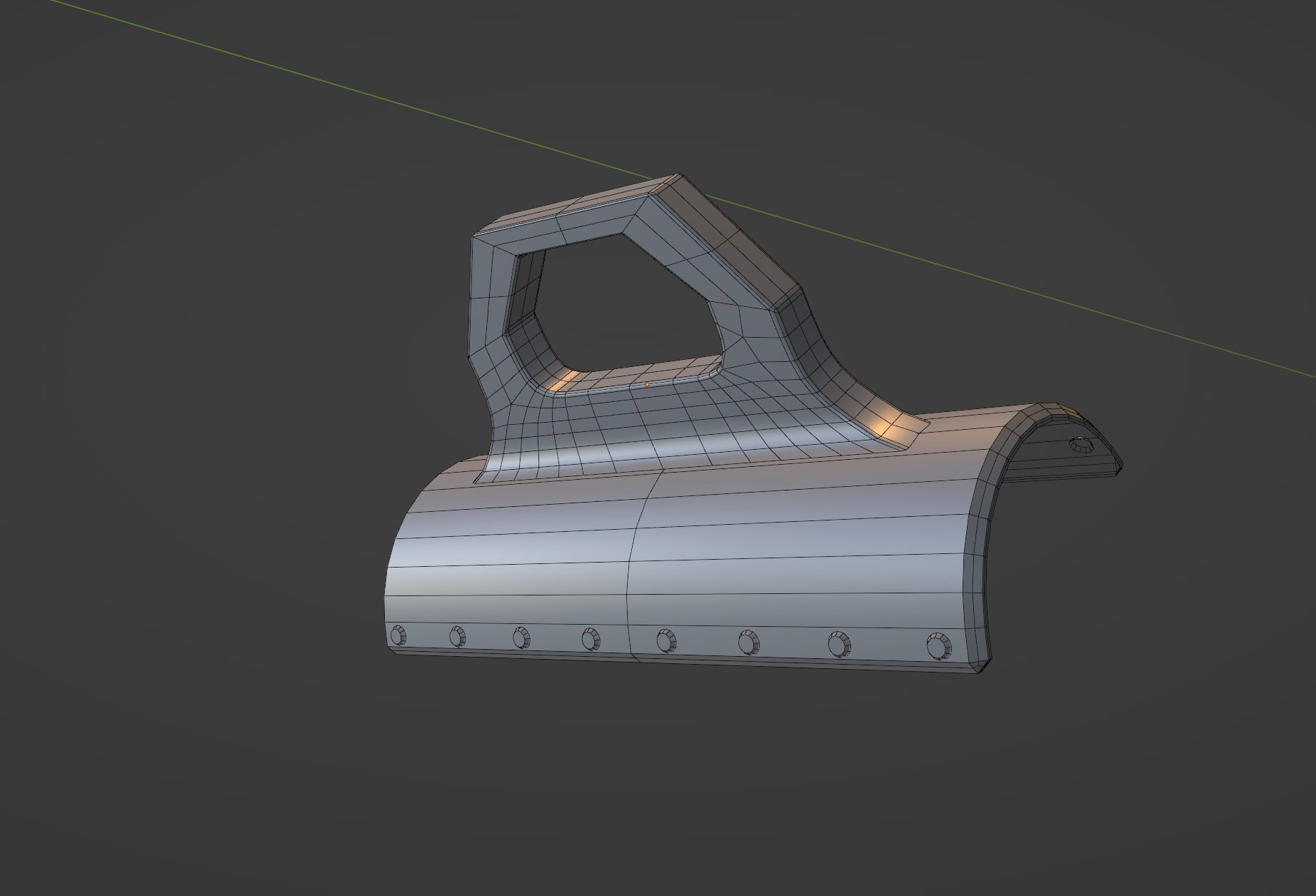
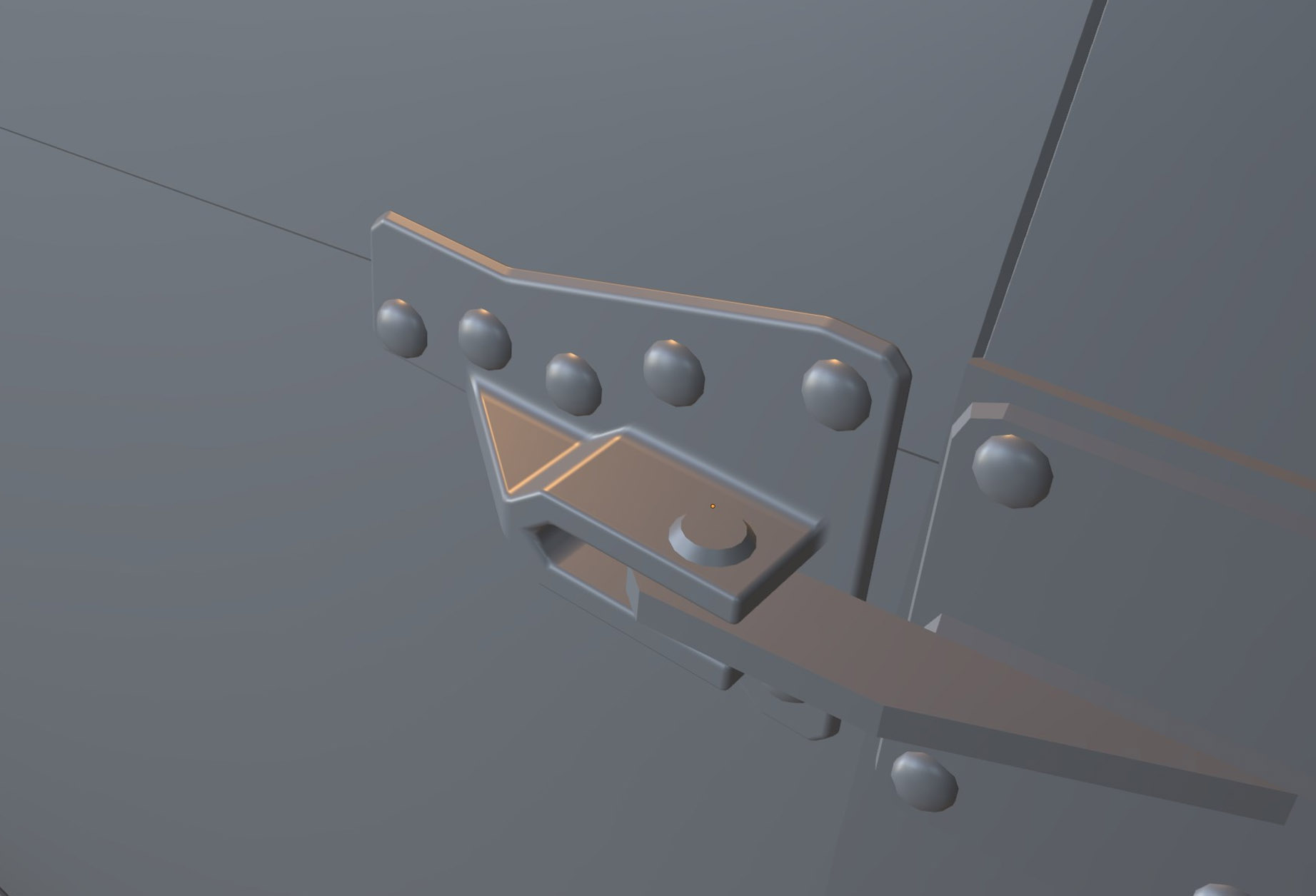
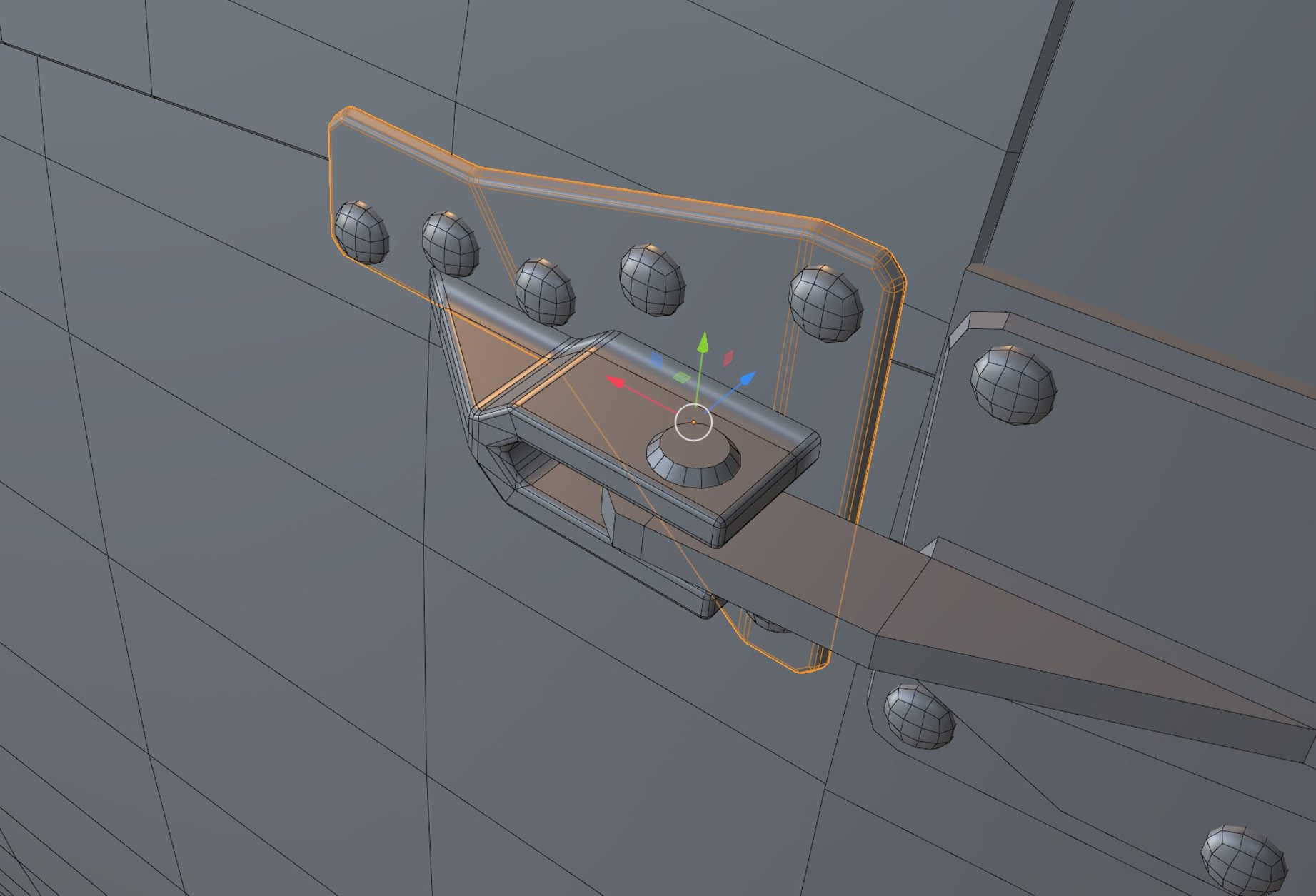
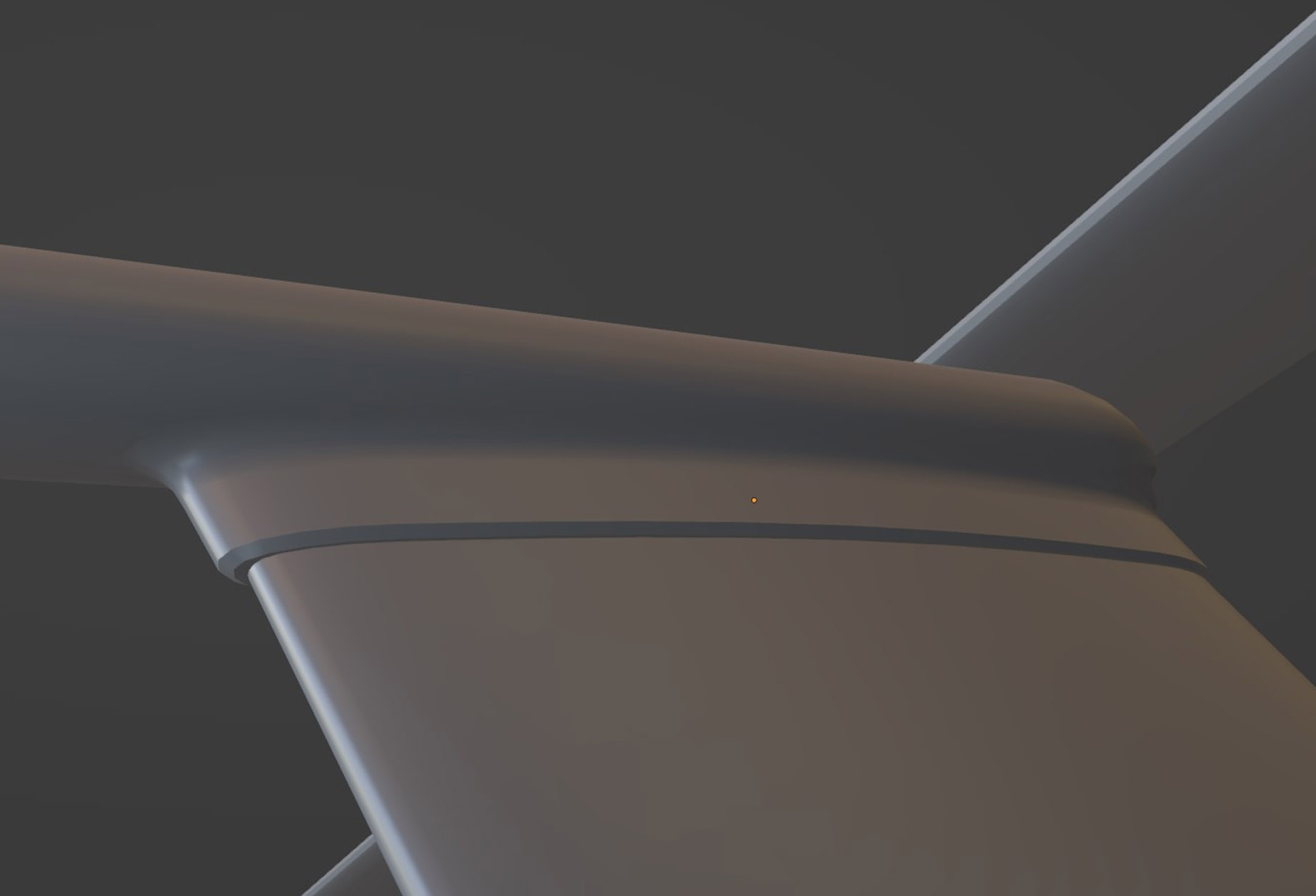
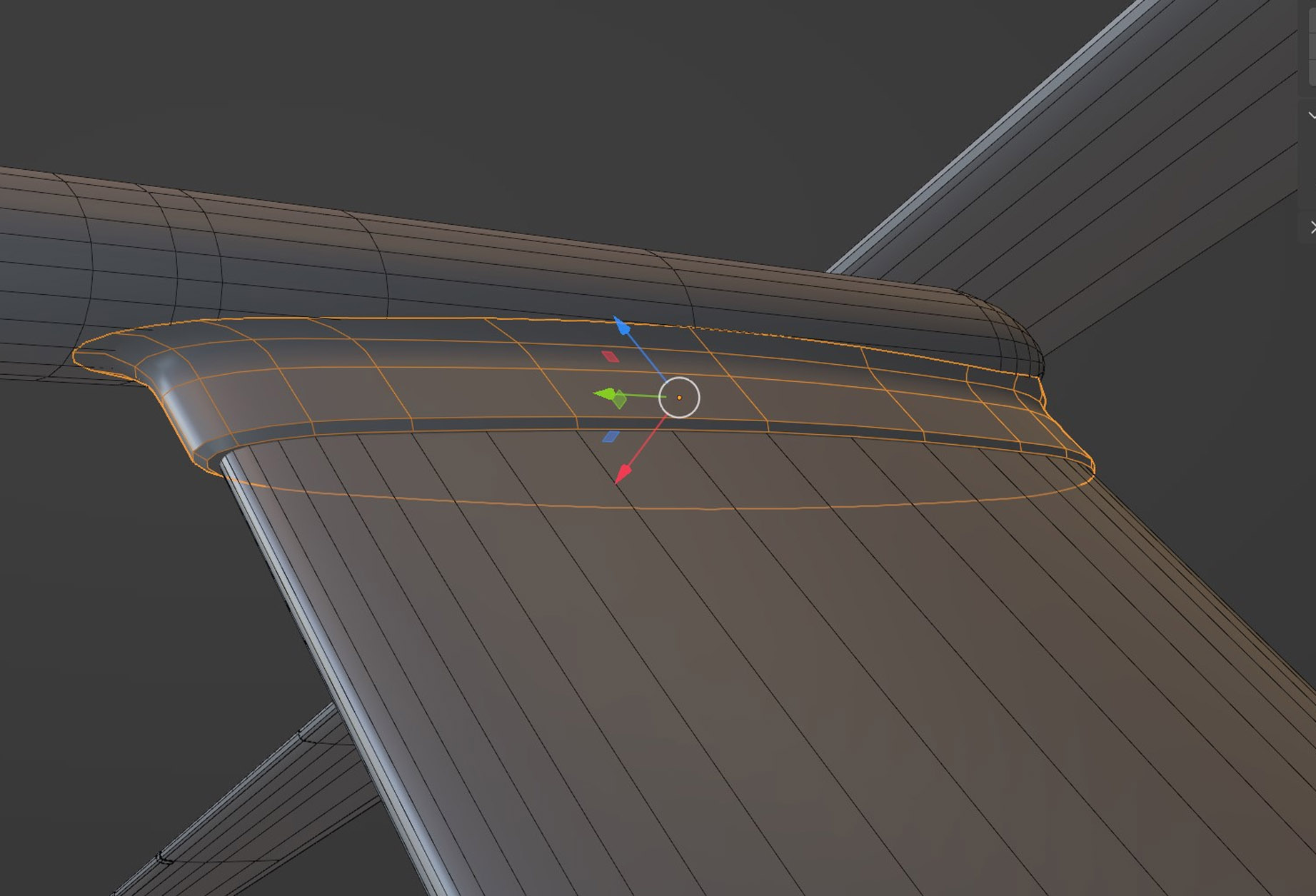
I’m really glad to finally finish the MH-6J high-poly 3D model. Next, I want to take a break from high-poly and work on the low-poly exterior with textures. Only after that will I tackle the troop platforms, armament, and the interior.
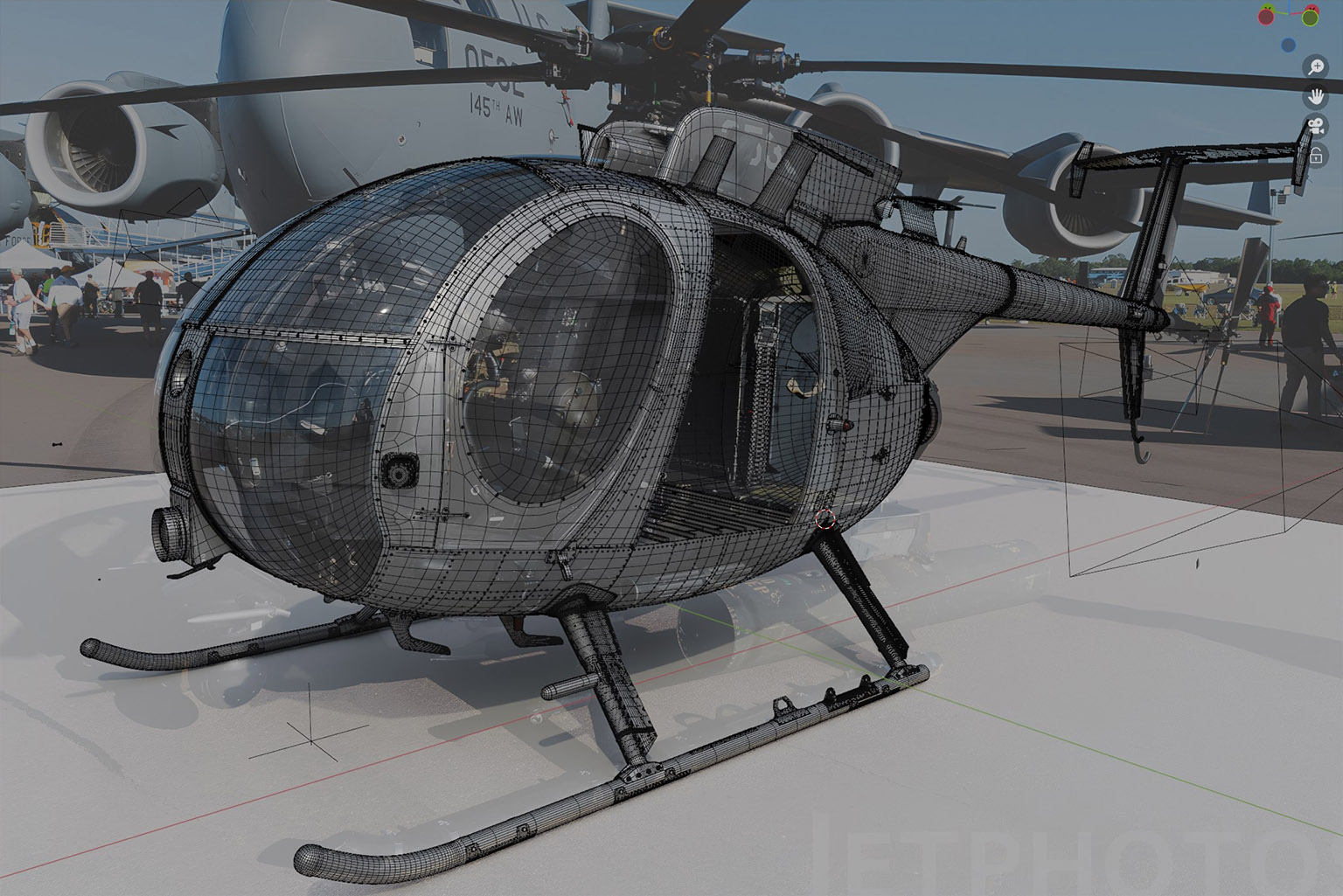
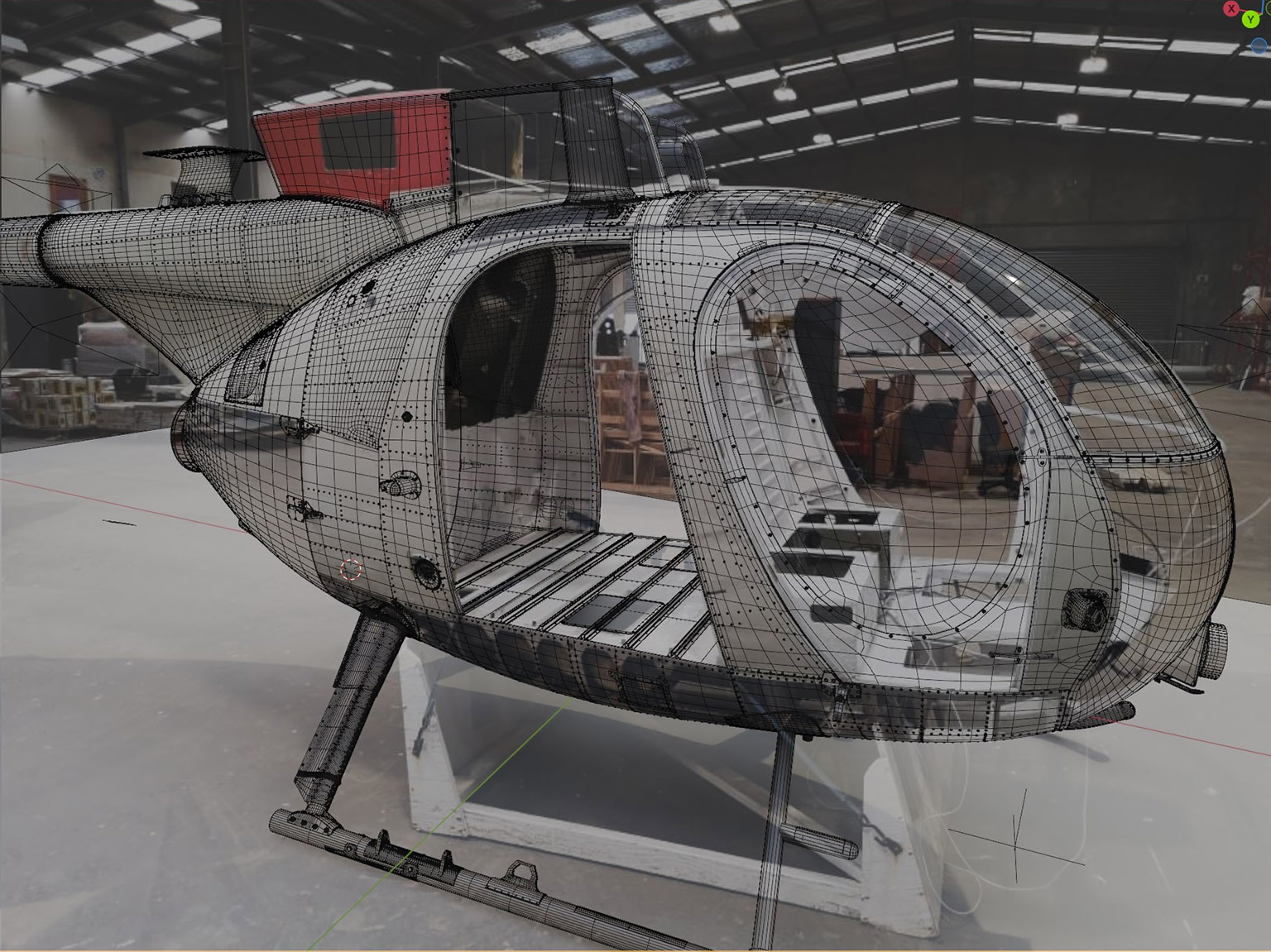
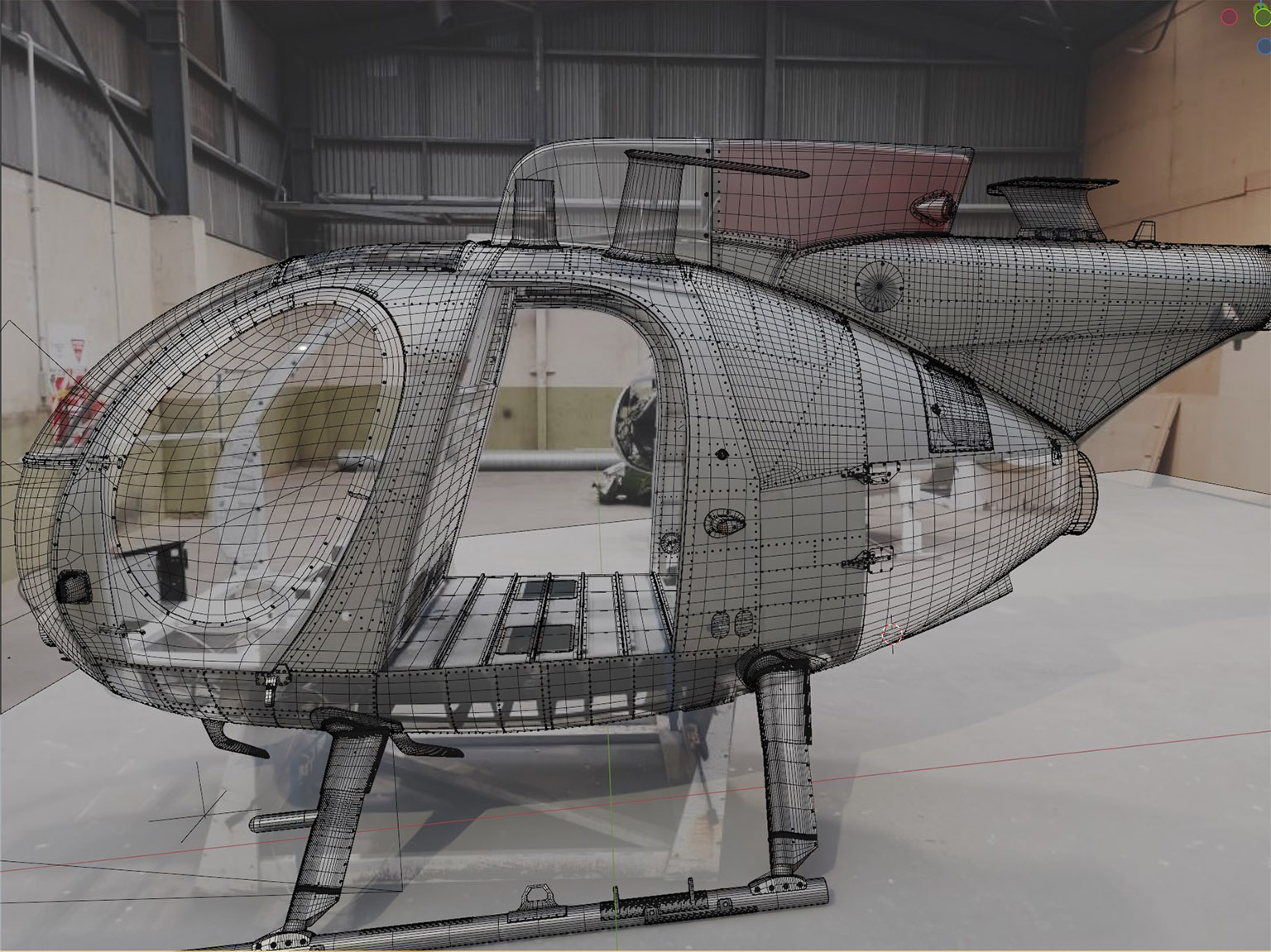
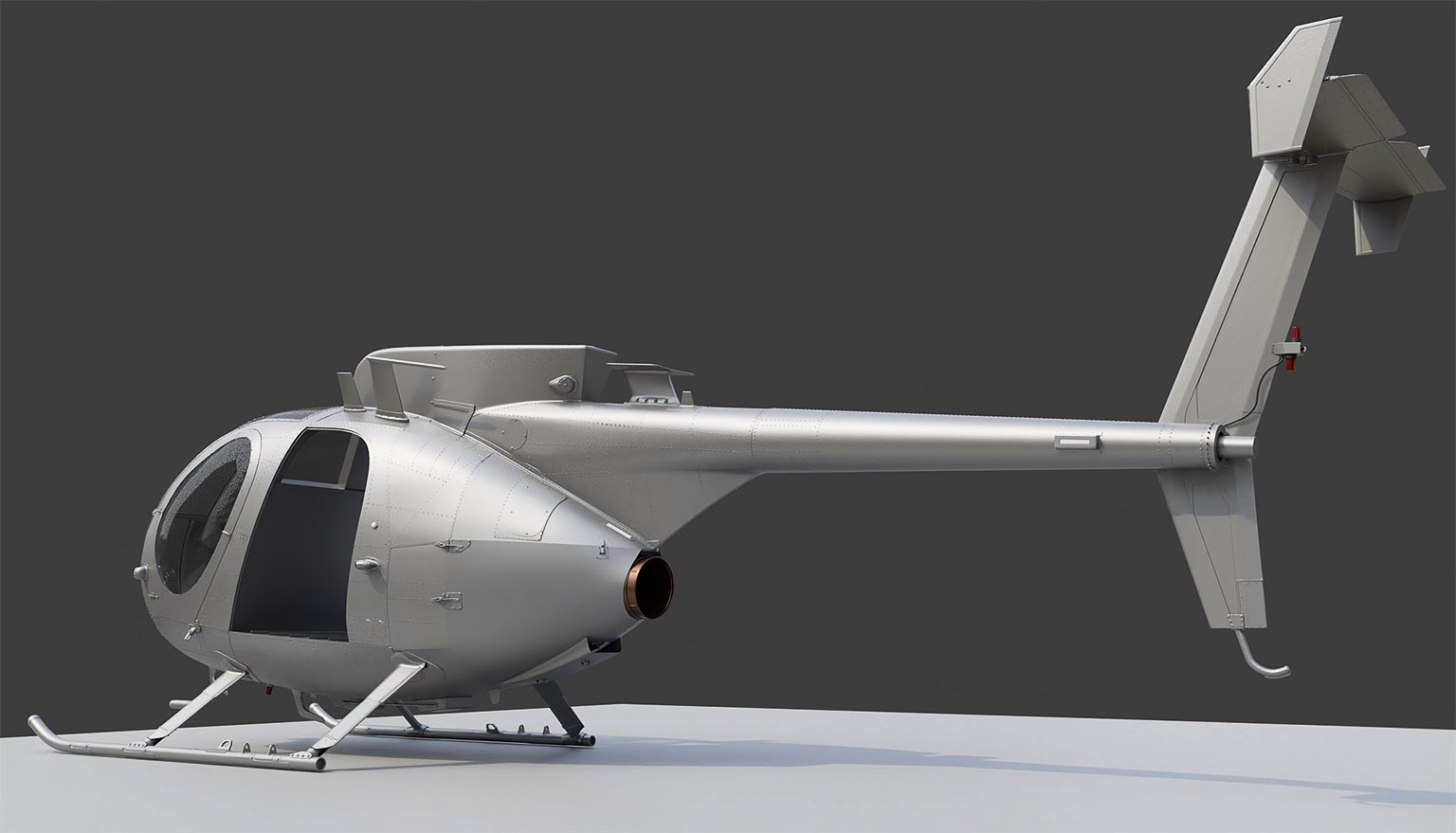
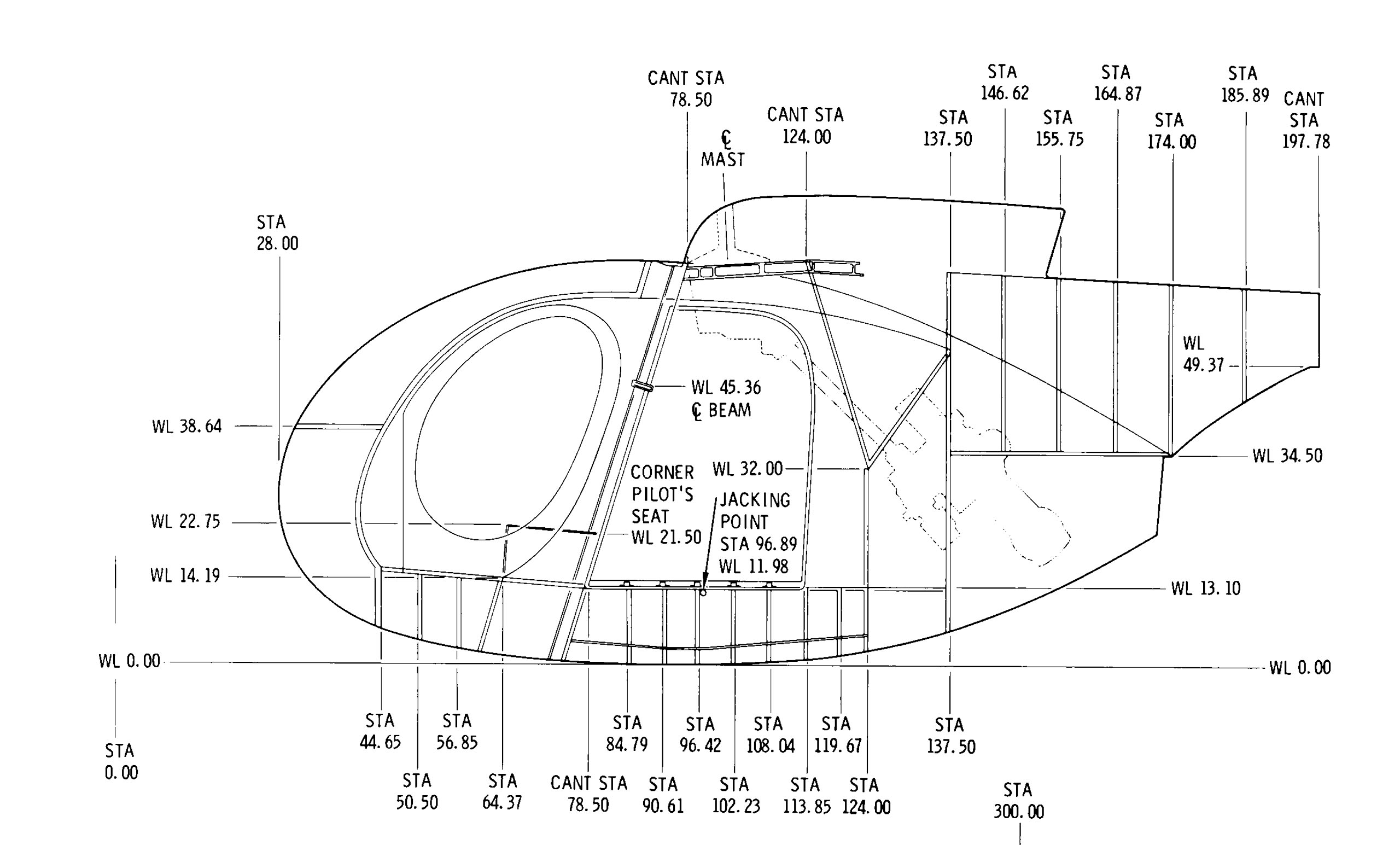
As is often the case, I found a great schematic/blueprint of the fuselage after I had already finished the model.
To be continued…