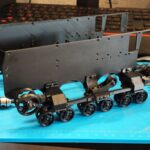
In Plasticity, working with splines is quite different from how it’s done in traditional 3D graphics editors like Blender or 3ds Max. In this video, I’ll walk you through the basic tools and techniques for working with splines. In the second part, we’ll create a 3D model of a component from the M2 Browning machine gun.
When it comes to engineering or industrial design, a sketch essentially represents a cross-section drawing of an object. In the past, such drawings were done manually on paper, which often made it difficult to design objects with complex curved surfaces. Nowadays, software like AutoCAD, SolidWorks, and Fusion 360 provide powerful tools for creating precise 2D sketches and accurate 3D models.
In these CAD programs, sketching — the process of creating technical drawings — is the foundation of the workflow. Each sketch is created on a plane using lines and geometric shapes, defined by precise parameters or mathematical constraints. Once the desired shape is drawn, it can be extruded to form a 3D model. The key advantage is that at any moment, you can easily modify either the sketch or the model itself to explore new design variations and refine your ideas.
In CAD software, when two or more splines lie on the same plane, they automatically interact with each other, forming new shapes. This behavior feels natural for engineers and CAD specialists, but for artists used to polygonal modeling in programs like Blender or 3ds Max, it may seem a bit unusual. For example, in Blender, if you draw two splines on the same plane — nothing happens. To create a surface, you’d need to perform additional operations such as Bridge or Fill.
Plasticity includes spline sketching functionality, although at this stage (as of beta version 0.7.18), it lacks certain parametric controls like defining exact lengths or radii during sketch creation. Hopefully, these basic CAD features will be added in the full release. Even so, working with ready-made sketches and converting them into 3D models is already very convenient.
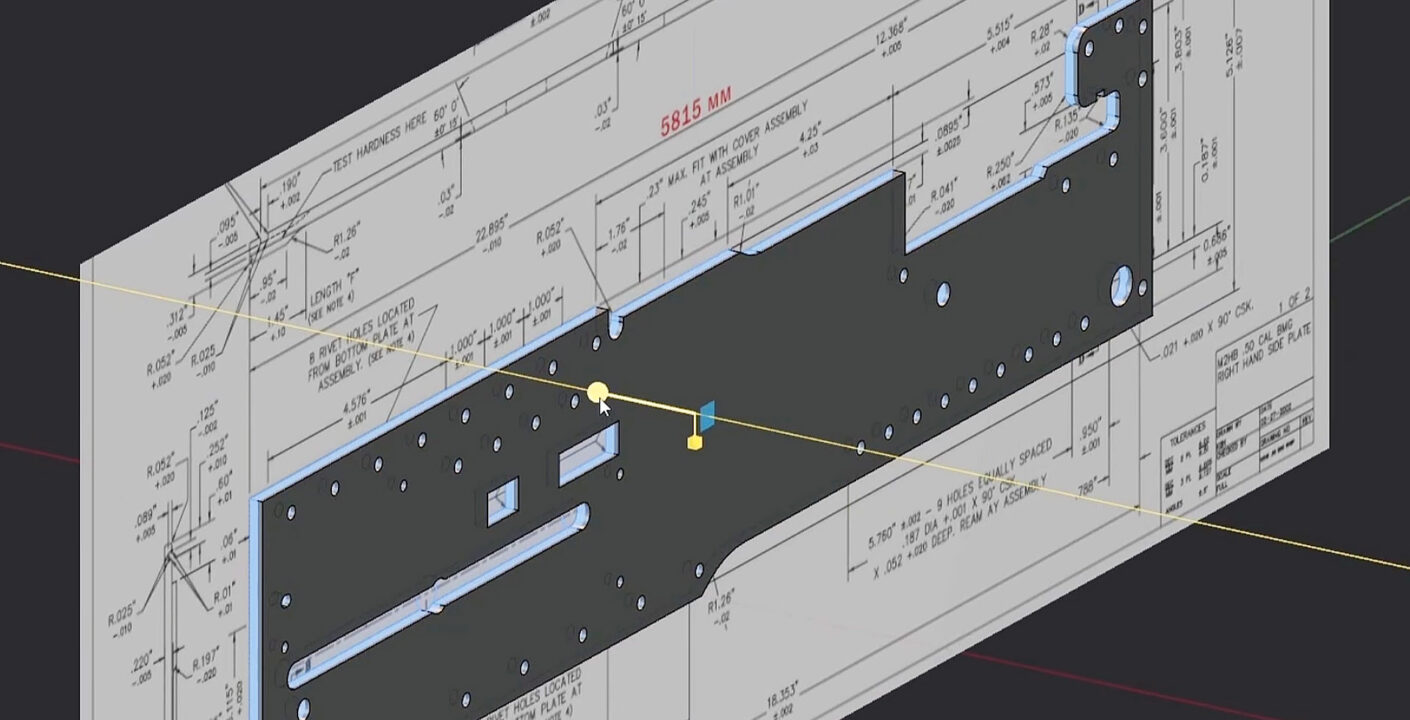
In this video, I’ll demonstrate how to model the side wall of the M2 Browning receiver, and along the way, we’ll explore the fundamental spline tools available in Plasticity.